Music Vol Equalizer6.3
Publisher Description
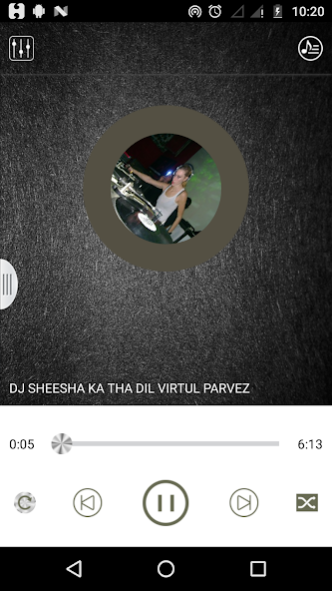
Improve your android device music sound by using this app
You enjoy many types of sounds by adjust different levels.
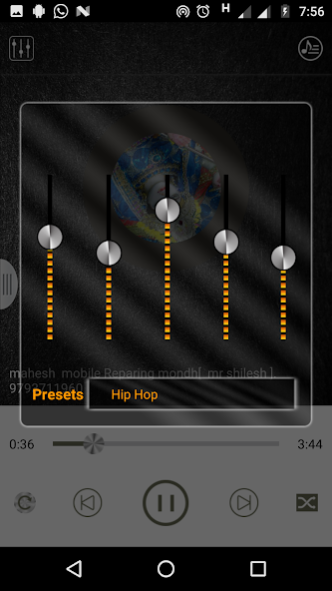
Music Equalizer has 5 band equalizer controller with bass effect.
Main function :-
** Increase volume louder speaker
** Increase volume on phone with just 1 touch
** quick installation of sound booster for headphones & sound louder app
** Professional Equalizer amplifier for best quality of sound
** Bass booster equalizer high quality
** Music equalizer hd sound
** volume booster no root
** music player MP3 2019 with Visualizer
** Audio players with high equaliser
** Free music player with volume booster
** Music player with sound booster and visualizer
** Both sound volume booster for headphones and loudspeaker
** Easily to use louder music volume boost and bass app
** System volume amplifier
** amplifier the volume of an audio volume increaser
** Increase the bass - bass booster pro
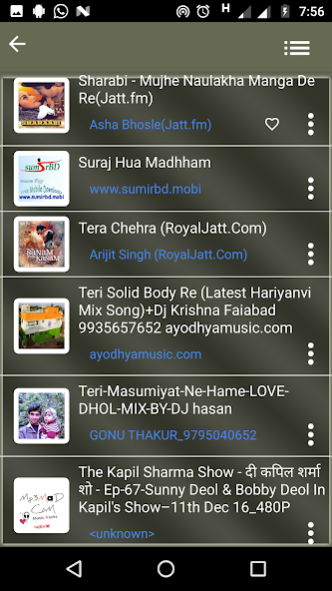
** Inbuilt music player.
** Five band equalizer
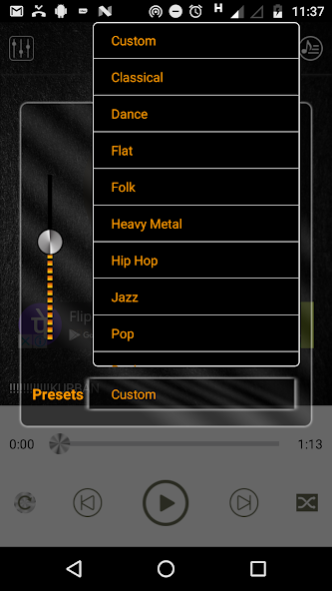
** 9 equalizer presets
** Bass Boost effects
** Volume boost effects.
** Inbuilt Play Pause Song list and Next Button.
About Music Vol Equalizer
The company that develops Music Vol Equalizer is Seema. The latest version released by its developer is 6.3.
To install Music Vol Equalizer on your Android device, just click the green Continue To App button above to start the installation process. The app is listed on our website since 2020-04-06 and was downloaded 33 times. We have already checked if the download link is safe, however for your own protection we recommend that you scan the downloaded app with your antivirus. Your antivirus may detect the Music Vol Equalizer as malware as malware if the download link to com.seema.musixequ is broken.
How to install Music Vol Equalizer on your Android device:
- Click on the Continue To App button on our website. This will redirect you to Google Play.
- Once the Music Vol Equalizer is shown in the Google Play listing of your Android device, you can start its download and installation. Tap on the Install button located below the search bar and to the right of the app icon.
- A pop-up window with the permissions required by Music Vol Equalizer will be shown. Click on Accept to continue the process.
- Music Vol Equalizer will be downloaded onto your device, displaying a progress. Once the download completes, the installation will start and you'll get a notification after the installation is finished.
Program Details
System requirements
Download information
Pricing
Version History
version 6.3
posted on 2020-04-07
**You can set ringtone.
** Now you can add theme according your choices either gallery or by capture images.
** Smart search option for songs.
**Some bugs resolved.
version 2.2.3
posted on 2016-03-14
** You can add song as your favorite and play as favorite.,** You can make songs as Ringtone.,** You can share songs.,** Some bugs has been resolved.
